
Checkpoint.
“A simple Safari extension to easily hide websites before showing your screen in public.”
Situation:
Out in public, around coworkers, or with kids nearby — some websites you'd rather wait before pulling up on screen.
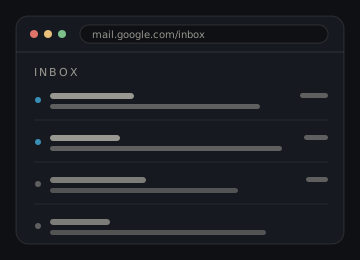
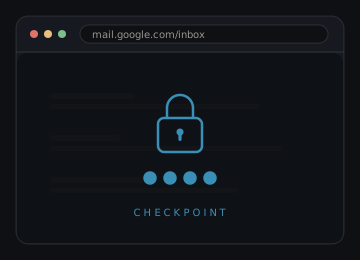
For example: mid-presentation you switch to the browser and the address bar auto-fills Gmail — Checkpoint blocks it first, so the room never sees your inbox.
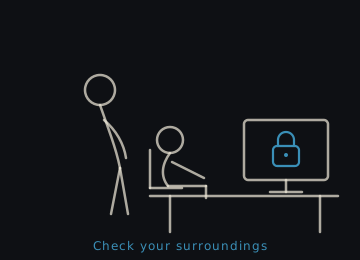
Or: your manager stops by your desk while you're browsing — the sites on your list stay gated behind your code until you decide to open them.
Solution:
Checkpoint is a lightweight Safari extension that's easier to manage than Parental Controls. Just add a site to your list and whenever you visit it, Checkpoint blocks it first until you enter your code.
An interesting experiment
Ask AI for "a Safari Extension", then "build it simply" — and see what comes back. A good way to explore how AI interprets a vague brief and scaffolds a working starting point.
Refinement via test and updates
Found out that keeping steps simple is key. Build a little, test a lot — iteration and patience get you further than trying to do everything at once.
Make your own Checkpoint!
Since this is a simple app, I'll teach you how to build your own version. A great first project for anyone curious about Safari extensions.
Build your own Checkpoint
3 STEPS · FOLLOW IN ORDER
Install Claude Code
Claude Code is Anthropic's CLI for Claude — an AI coding agent that runs in your terminal and builds real projects from a prompt. You'll need a Mac with Xcode installed. Install Claude Code with npm, then authenticate with your Anthropic account.
Paste this prompt
Create a new folder, open it in Terminal, launch Claude Code, and paste the prompt below. Claude will build the full extension — manifest, content script, popup UI, PIN hashing, and session locking — ready to wrap in Xcode for Safari.
Build a Safari Web Extension for Mac (Manifest V3, packaged via Xcode) that
PIN-gates specific websites — a calm "intentional access" checkpoint, not a
hard security wall.

ICON
- Don't hardcode an icon design. The user provides a single square source image
  (e.g. a 1024px PNG). Generate the required extension/app icon sizes from it,
  and use that same icon as the logo on the lock overlay (circular mask) and in
  the popup header. If the user hasn't supplied one yet, use a simple lock glyph
  placeholder and make it trivial to swap.

CORE BEHAVIOR
- On first install, prompt the user to set a 4-digit numeric passcode (confirmed
  twice). Store it as a SHA-256 hash in chrome.storage.local — never the raw PIN.
- A popup lets the user maintain a list of locked hostnames (e.g. twitter.com).
  Entries match both the bare domain and any subdomain (www.twitter.com).
- When navigating to a locked host, inject a full-screen overlay at
  document_start that covers and blocks interaction with the underlying page.
  The overlay shows a 4-digit PIN pad. (The page still loads underneath — the
  overlay is a visual/interaction gate, not a network block.)
- The overlay works with keyboard input (digits 0–9, backspace) AND clicks. Trap
  all key events so the page underneath never receives them.
- Correct PIN → dismiss the overlay and unlock that host for the browser session.
- Incorrect PIN → shake the dot indicator, show an error briefly, then reset.
- Session + tab-aware re-locking: a host stays unlocked while at least one tab
  that unlocked it is still open. When the last such tab closes, the host
  re-locks. Everything resets when the browser quits.
- Skip the overlay inside iframes. Use Shadow DOM to isolate it from page styles.
- Guard against mounting the overlay twice on the same page.

RELOCK ALL (manual session reset)
- The popup has a "Relock all" action that clears every session unlock at once
  WITHOUT needing the user to refresh any tab.
- It clears the in-memory unlock state in the background, then notifies every
  open tab; each tab's content script re-checks its locked status and slides the
  overlay back over the live page instantly (no reload — scroll/form state under
  the overlay is preserved).
- Don't pre-filter tabs by URL in the background (Safari only exposes tab.url for
  the active tab without the broad "tabs" permission). Broadcast to all tabs and
  let each content script decide whether to re-mount.
- The button appears only when ≥1 host is currently unlocked, labeled with the
  count (e.g. "Relock all 2 sites").

POPUP UI
- If no passcode is set, show the setup screen. Otherwise show the main view.
- Top action row: the "Relock all" button (left, shown only when relevant) and a
  "Change passcode" link (right) that returns to the setup screen.
- Add-site row: a text input (strip protocol/path, validate it contains a dot),
  Add button, and a per-entry remove button.
- The blocked-site list is COLLAPSED behind a toggle by default and gated by the
  passcode — so opening the popup doesn't expose which sites are locked. Clicking
  the toggle reveals a passcode prompt; entering the correct 4 digits reveals the
  list. This verify step must NOT unlock any host (separate from the lock-screen
  PIN check). The list re-locks every time it collapses, so reopening always
  requires the passcode again. A count chip shows how many sites are in the list.

VISUAL DESIGN
- Dark theme, a single warm accent color (e.g. gold), Inter (or system) font.
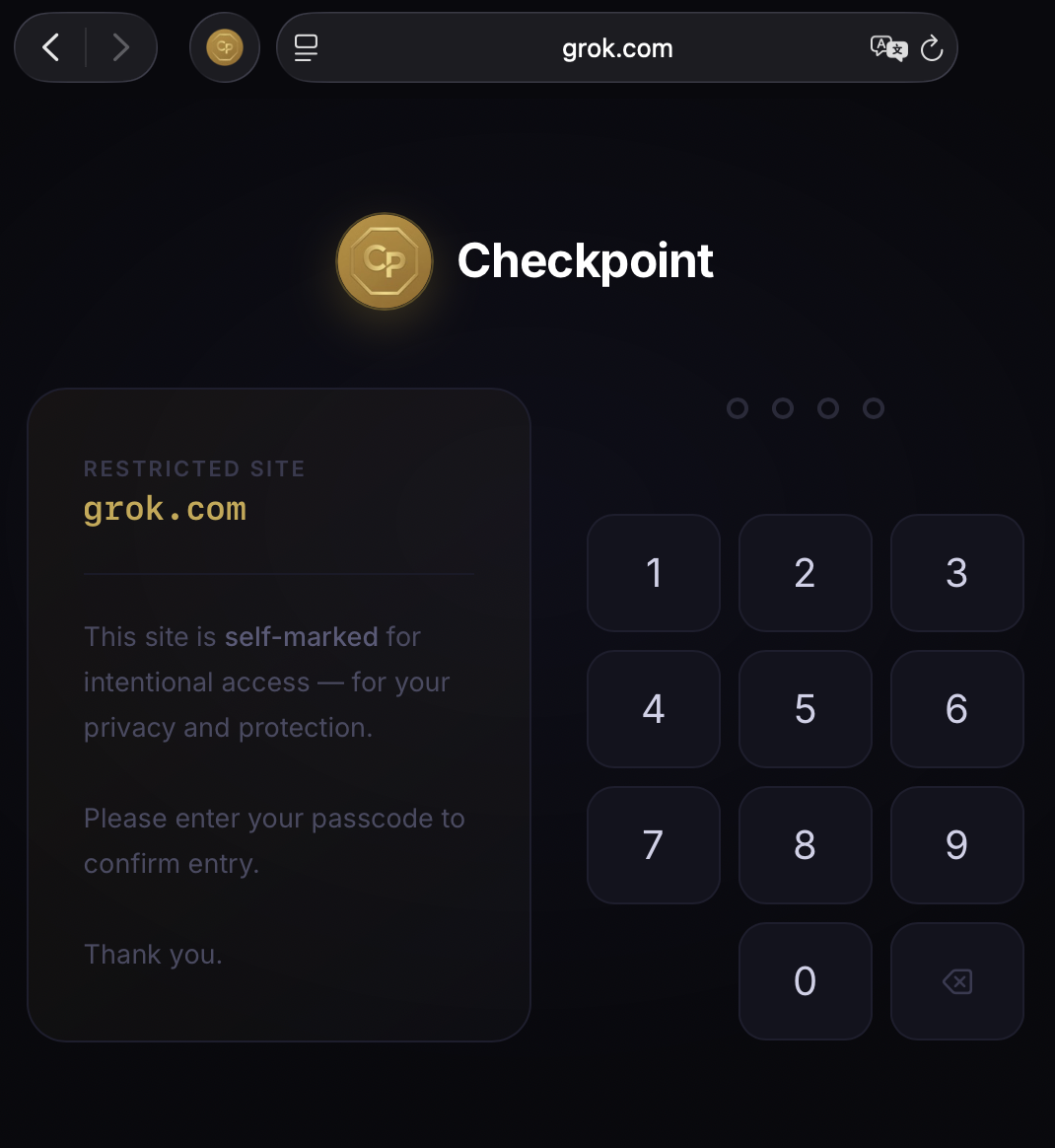
- Lock overlay: two-column layout — a description panel (the locked hostname plus
  a short, calm notice that the site is self-marked for intentional access) beside
  the PIN pad (dots + 3×4 keypad with a backspace key). Centered on a soft radial
  dark background.

ARCHITECTURE NOTES
- Background service worker holds unlock state in memory: a Set of unlocked hosts
  and a Map of tabId → Set<host> for tab-aware re-locking. Hosts are stored in
  chrome.storage.local.
- Message types between popup/content and background: check-locked, verify-and-
  unlock (lock screen), verify-only (list gate), set/has passcode, get/add/remove
  hosts, get-unlocked-count, relock-all.
- Make the overlay icon a web-accessible resource so the content script can load
  it via runtime.getURL.
Wrap in Xcode and run
Open the project folder in Xcode. Run the Safari Web Extension target on your Mac. Once built, enable the extension in Safari Settings → Extensions. Lock a site, test the PIN pad, and make it yours.